Leasing
Built-in lease payment calculator for hardware deals — enable leasing on a quote, mark eligible products, and let customers choose their term.
Written By Victor Raessen
Last updated About 2 months ago
Feature-flagged. Leasing must be enabled and configured by an admin before it's available on quotes. See Settings > Financial > Leasing.
Salesbuildr includes a built-in lease payment calculator for hardware deals. When enabled, customers can choose a lease term and see their monthly payment directly on the proposal — no third-party integration required.
Using leasing on a quote
Open the quote and go to the quote settings panel
Enable Leasing
In the product table, mark individual products as eligible for leasing
Add a Leasing summary widget to your quote
The customer sees a term selector with monthly payment amounts for each available period
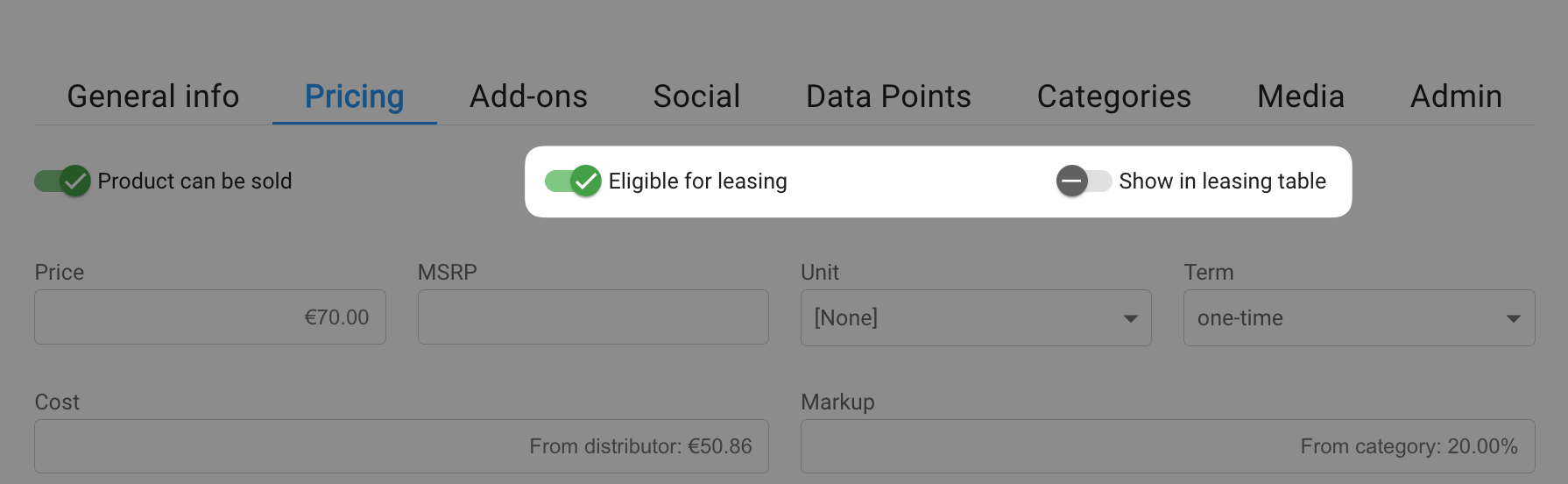
Making a product eligible for leasing on the product pricing tab Feb 20, 2026
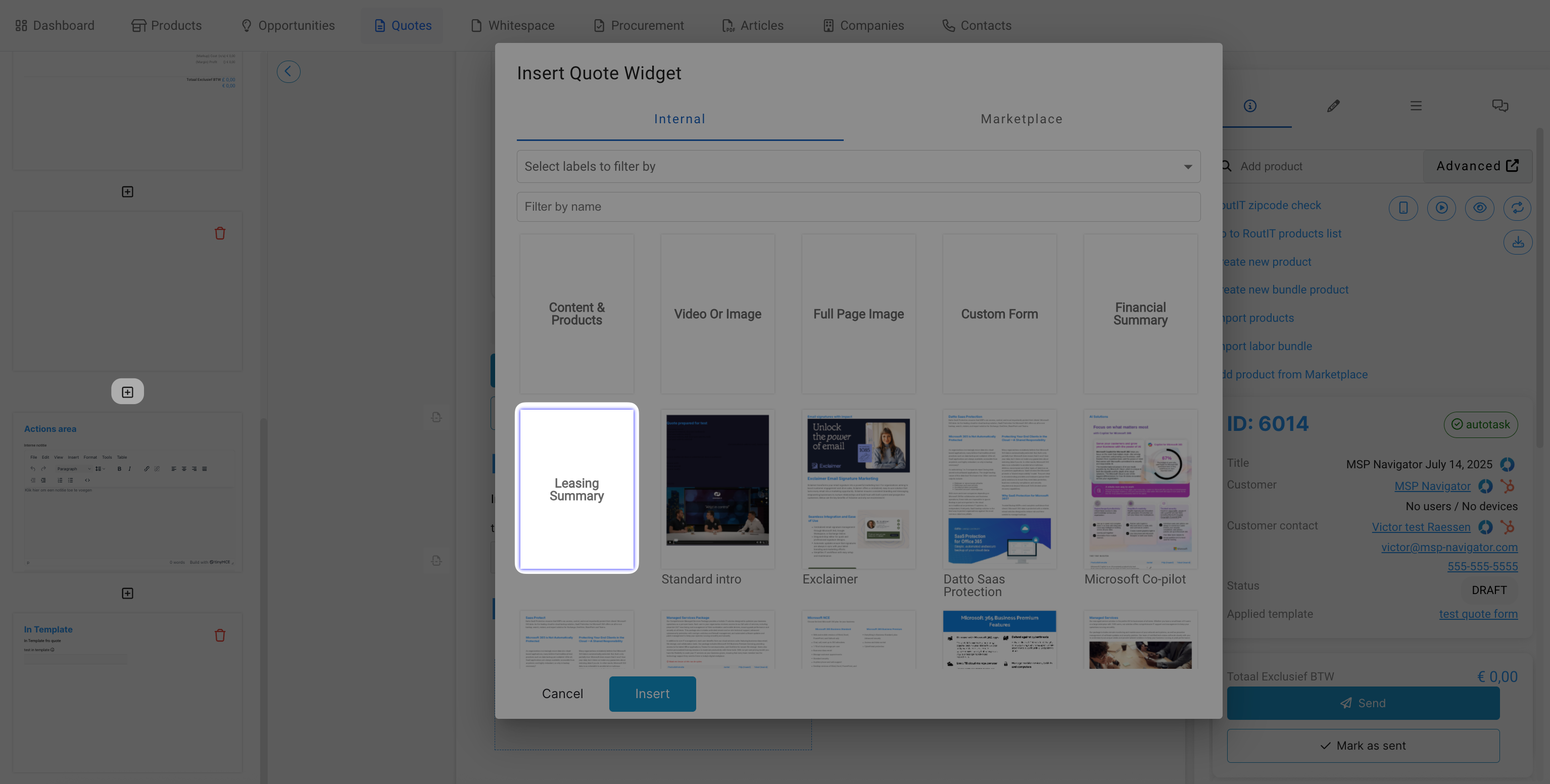
Inserting the Leasing Summary widget in the quote editor Feb 20, 2026

Leasing summary widget header in the quote editor Feb 20, 2026
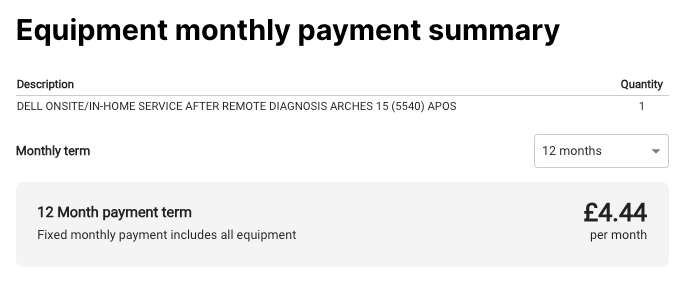
Customer-facing leasing payment summary with term selector Feb 20, 2026
Layout options
The leasing summary widget has two display modes, configured by your admin:
Simple — Shows lease term selector and monthly amount
Advanced — Shows full breakdown: leasing cost, down payment, final payment, adjusted lease amount, annual interest rate, term selector, monthly payment, and all available term options
How the calculation works
Salesbuildr uses a flat-interest (simple interest) model. Your admin configures annual rental rates per value range and lease period. The monthly payment is derived from the total lease value, the configured rate, and the chosen term.
For setup and cost table configuration, see Settings > Financial > Leasing.
See also
Quote Editor — Quotes
Quotes — Settings
Quote Localization — Quotes
Quote Templates — Quotes
Products — Settings
Was this helpful?
Still need help? Ask the team